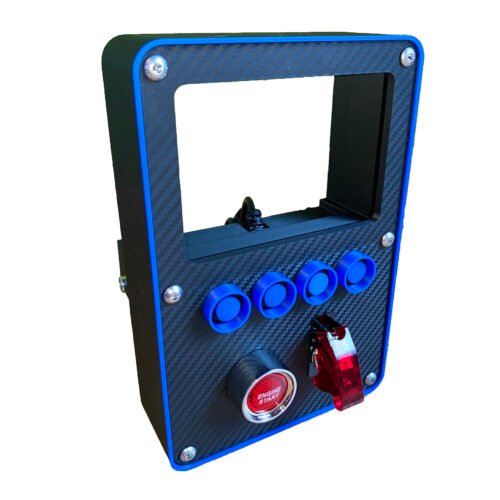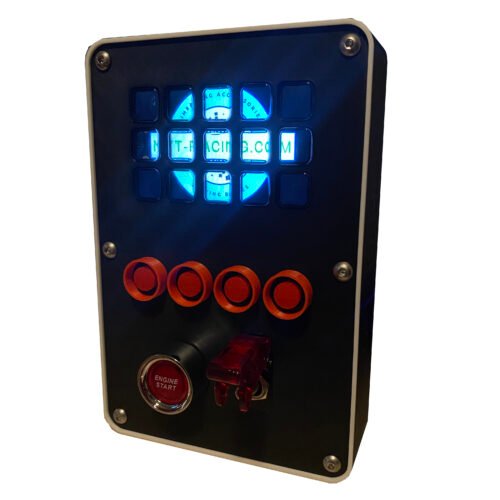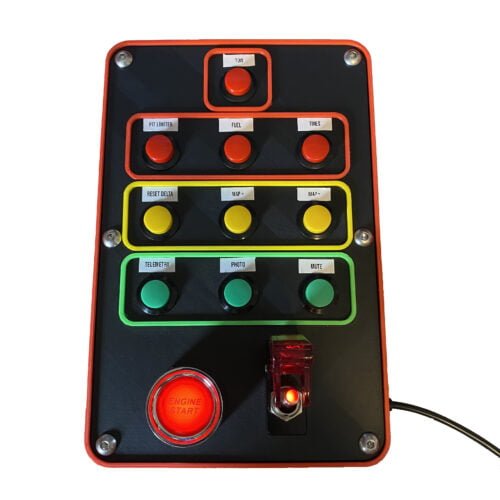
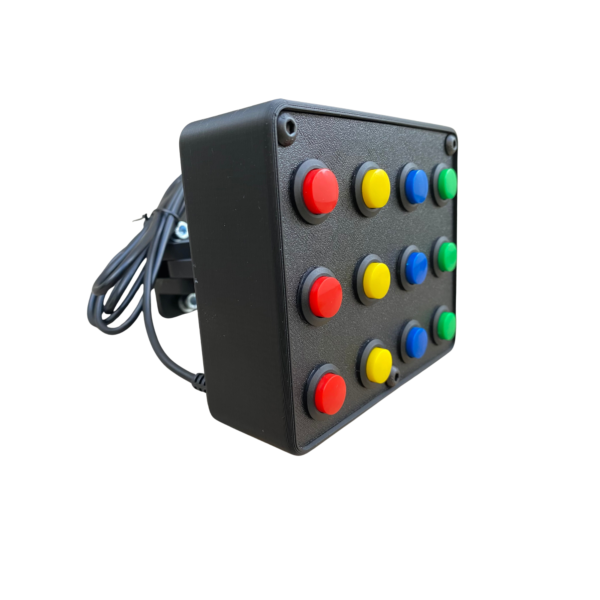
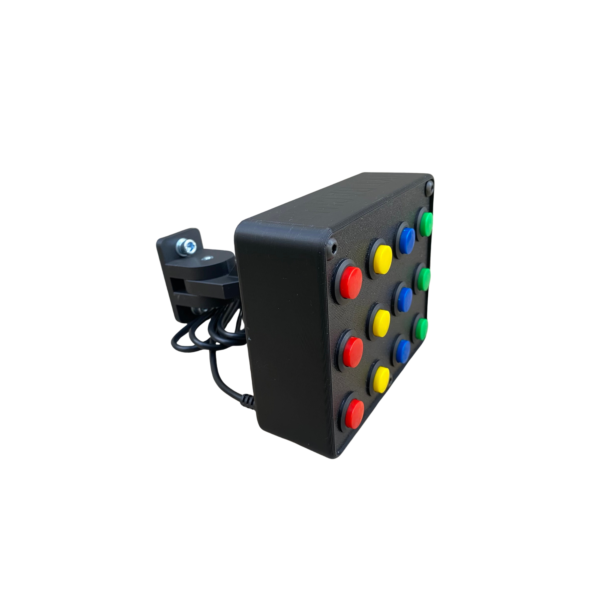
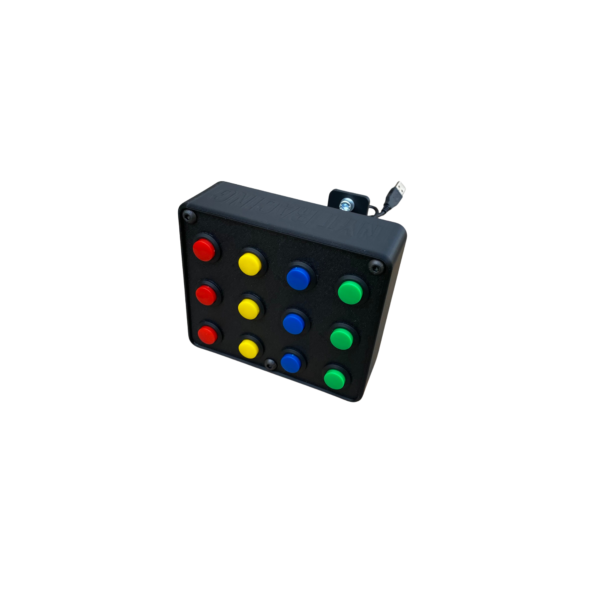
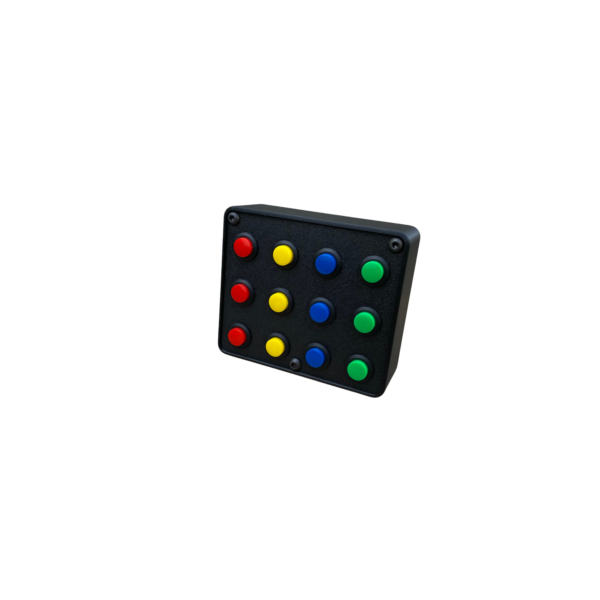
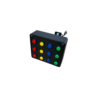
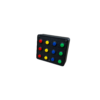
Assign simulator functions to 12 momentary buttons with the ECO button box. Its compact 12.6 × 10.8 × 4.4 cm enclosure fits alongside a driving or flight simulator setup.
Connection and controls
Connect the button box to your computer by USB, then assign the buttons in your simulator. No dedicated button-box software installation is required. This model is compatible with computers only.
Mounting
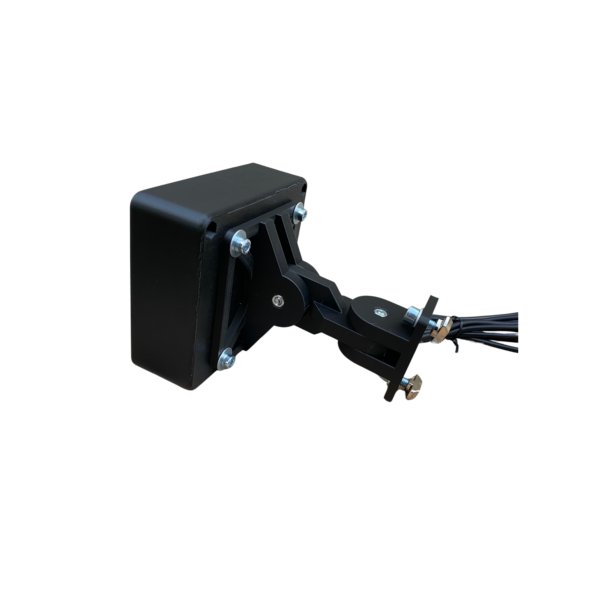
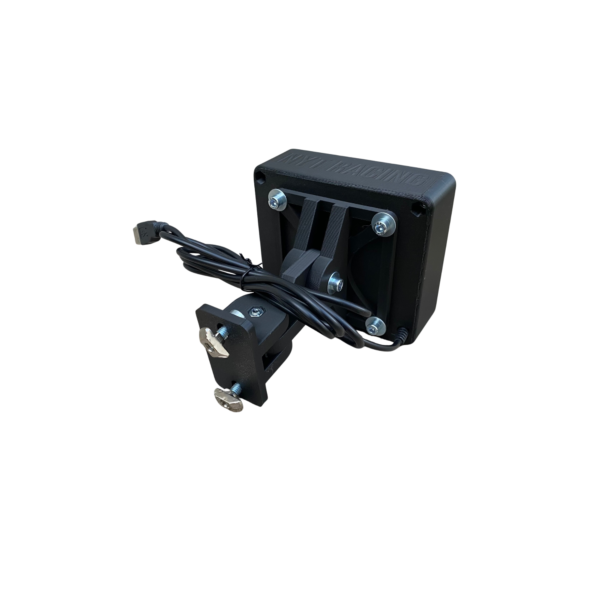
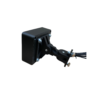
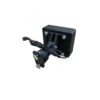
The PLA+ enclosure includes an articulated arm and VESA 75 attachment to adjust its height, position and angle on an aluminium profile cockpit.
Included
- USB button box with 12 momentary buttons.
- Articulated arm, VESA 75 mount, two M6 bolts and two M6 T-nuts.
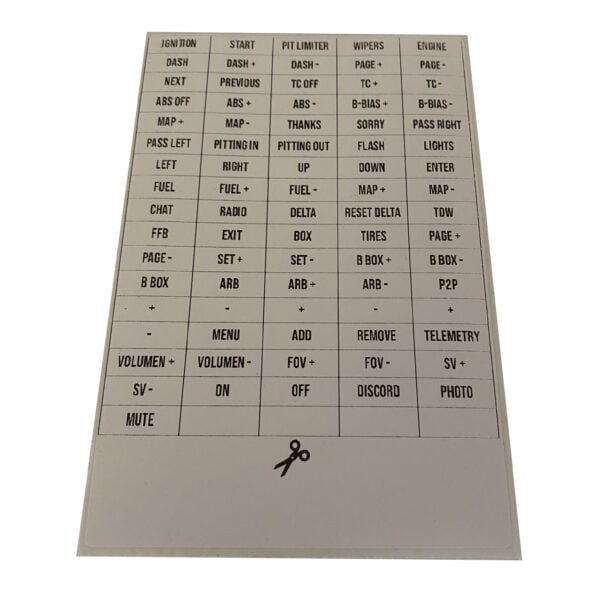
- Cut-out labels for identifying the button functions.